Our reviews are based on aggregated verified buyer feedback, manufacturer specifications, and published expert opinion. Products are not independently tested by our team.
The scrapbooking world has split into two distinct camps: traditional paper crafters who love the tactile experience of cutting, gluing, and assembling physical pages, and digital scrapbookers who create stunning layouts on a computer screen before printing finished pages. Both approaches preserve memories beautifully, but they offer fundamentally different creative experiences, cost structures, and practical considerations.
If you’re trying to decide which approach suits you, or if you’re a traditional scrapbooker curious about going digital, this comprehensive comparison covers everything you need to make an informed choice.
Traditional Scrapbooking Overview
Traditional scrapbooking involves physically assembling pages using paper, photos, adhesives, and embellishments. You cut cardstock and patterned paper, mat printed photographs, adhere elements to the page, and write journaling by hand or with printed text strips. The finished pages go into a physical album that you can hold, share, and display.
This is the original form of scrapbooking, with roots going back over a century. Modern traditional scrapbooking has evolved tremendously in sophistication, with advanced tools like Cricut cutting machines, specialized papers, and thousands of embellishment options. But the core appeal remains the same: creating something tangible with your hands.
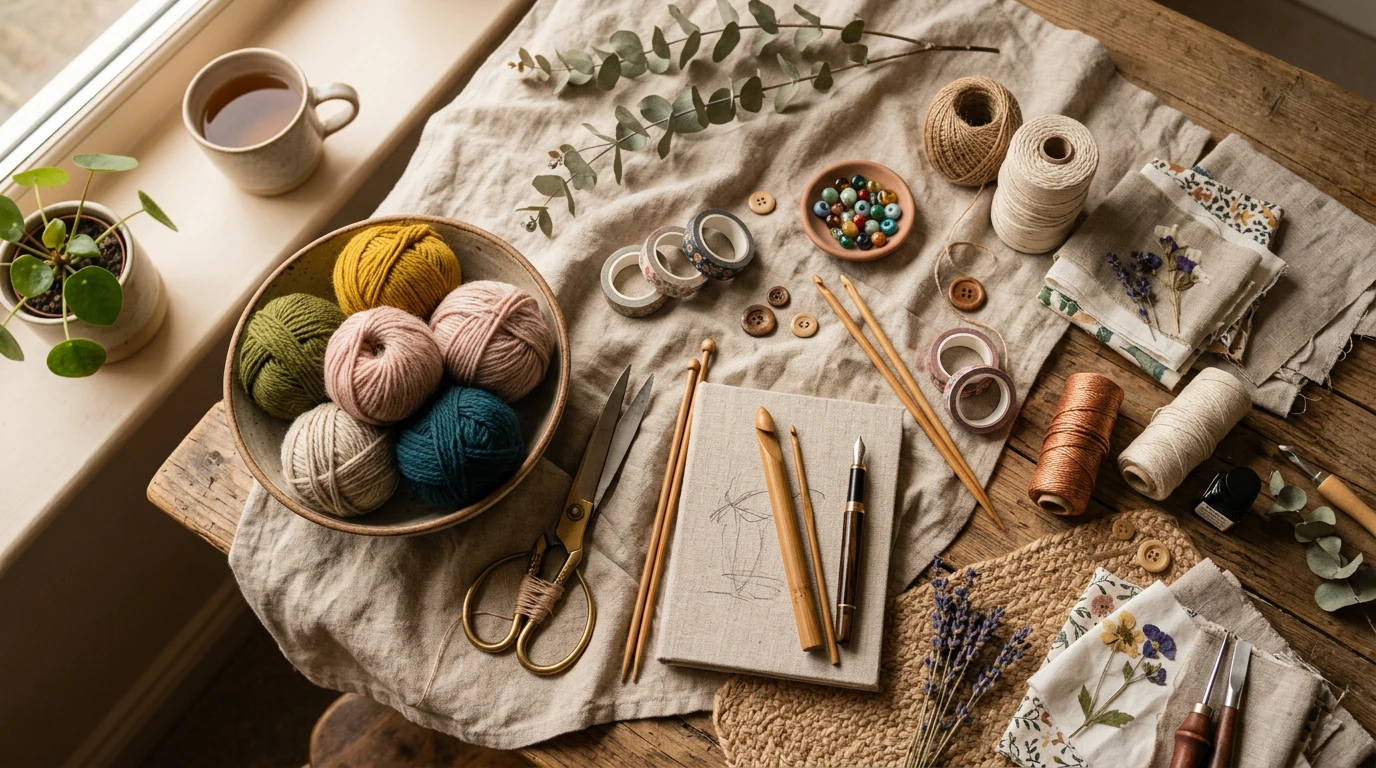
The tactile nature of traditional scrapbooking is a significant part of its appeal. The feel of quality cardstock, the satisfaction of a perfect cut, the texture of dimensional embellishments, and the intimacy of handwritten journaling create a sensory experience that digital crafting can’t replicate.
Digital Scrapbooking Overview
Digital scrapbooking uses software (Adobe Photoshop, Photoshop Elements, Canva, or dedicated scrapbooking apps) to create page layouts on a computer. Digital “kits” replace physical supplies: digital papers, embellishments, alphabets, and frames are layered on-screen to create the page design. Photos are imported digitally, positioned, and resized without printing.
Finished layouts can be printed at home or through professional printing services as high-quality pages, photo books, or individual prints. They can also remain digital, shared via social media, email, or digital photo frames.
The digital approach offers unlimited undo capability, instant resizing, perfect alignment tools, and the ability to duplicate pages or elements instantly. Many traditional scrapbooking techniques have digital equivalents: layering, shadowing, masking, and texturing are all possible on screen.
Cost Comparison Over Time
Traditional scrapbooking costs: Initial investment of $50-100 for basic supplies, then $1-5 per page for ongoing paper, adhesive, and embellishment costs. Optional tools like cutting machines ($150-400) and storage solutions add to the investment. Over years of active scrapbooking, costs accumulate steadily.
Digital scrapbooking costs: Software is the main investment. Adobe Photoshop Elements ($80-100 one-time purchase) or Canva Pro ($13/month) are popular choices. Digital kits range from free to $5-15 each, and one digital kit can be used unlimited times across unlimited pages. Printing costs $0.50-5.00 per page depending on quality and service.
Long-term comparison: Digital scrapbooking is generally cheaper over time because supplies are reusable. A $10 digital kit provides papers and embellishments for unlimited pages, whereas $10 of physical paper produces 3-5 pages. However, if you don’t print your digital pages, you miss the physical album experience that many scrapbookers value most.


- 【Four Floral Themes】- The OKUPAN’s journaling supplies includes 400 sheets (200
- 【Four Different Sizes】- This scrapbook supplies kit have different sizes. You wo
- 【Multi-Purpose Design】- This scrapbooking supplies is perfect for an array of cr
Creative Flexibility
Traditional advantages: Physical texture and dimension are impossible to replicate digitally. Incorporating actual memorabilia (ticket stubs, fabric, pressed flowers, handwritten notes) adds authenticity and emotional connection. Mixed media techniques using paint, ink, stamps, and found objects create truly unique pages.
Digital advantages: Unlimited undo and redo means risk-free experimentation. Try ten different layouts with the same photos before committing. Precise alignment, spacing, and sizing tools produce perfectly polished results. Digital effects like blending, transparency, and color adjustment expand creative possibilities beyond what paper can achieve.
Neither approach is inherently more creative. Traditional scrapbooking excels at tactile, dimensional, mixed-media creativity. Digital scrapbooking excels at polished, precise, graphic-design-quality layouts.
Storage and Space Requirements
Traditional: Physical supplies require storage space: paper, tools, embellishments, and finished albums all occupy shelf and drawer space. An active scrapbooker’s supply collection can fill an entire closet. Finished albums are wonderful to display but take up bookshelf space. For supply organization ideas, see our supply guide.
Digital: Everything fits on a computer and external hard drive. Digital supply kits, photos, and finished layouts occupy gigabytes, not cubic feet. This makes digital scrapbooking ideal for people with limited living space or those who prefer a clutter-free craft area.
Sharing and Printing Options
Traditional sharing: Physical albums are passed around during family gatherings, displayed on coffee tables, and eventually inherited by future generations. The tactile experience of paging through a physical album is irreplaceable. However, sharing with distant family requires either mailing the album or photographing pages for digital sharing.
Digital sharing: Layouts can be shared instantly via email, social media, or cloud storage. Multiple copies can be printed for different family members. Photo book services like Shutterfly and Mixbook print digital layouts as professional-quality bound books. You can even create multiple versions of the same album for different audiences.
Learning Curve for Each Method
Traditional: Low entry barrier. If you can cut paper and glue things, you can start scrapbooking. Advanced techniques (layering, dimension, mixed media) develop naturally over time. The main learning involves developing an eye for design, which happens through practice.
Digital: Steeper initial learning curve. You need basic proficiency with design software, including understanding layers, selection tools, and file management. For someone unfamiliar with Photoshop or similar programs, expect several hours of tutorials before creating your first competent layout. Once past the learning curve, the tools become second nature.

- Value Set – The vintage scrapbook supplies kit comes with 360 sheets of thin aci
- Premium scrapbook paper – Decorative paper is made of premium lightweight paper,
- Muti Theme Design – Vintage small scrapbooking paper supplies are designed with
Hybrid Scrapbooking: Best of Both Worlds
Many scrapbookers discover that combining both approaches, hybrid scrapbooking, delivers the best of both worlds. Common hybrid techniques include:
Digital design, physical assembly: Design page backgrounds, journaling cards, and text elements on the computer. Print them on cardstock. Then assemble the printed pieces with physical photos and embellishments for tactile dimension.
Digital journaling on physical pages: Type journaling text in a word processor, print on coordinating cardstock, and adhere to traditionally assembled pages. This solves the “I hate my handwriting” problem while keeping the physical crafting experience.
Physical embellishments on printed pages: Create the base layout digitally, print it, then add physical stickers, washi tape, and dimensional elements. The printed base provides a polished foundation, while the physical additions add texture and personality.

Which Is Right for You?
Choose traditional scrapbooking if you:
- Love hands-on crafting and tactile experiences
- Want to incorporate physical memorabilia
- Enjoy the process of crafting as much as the finished product
- Want a tangible album to share and display
- Prefer working away from screens
Choose digital scrapbooking if you:
- Are comfortable with computers and design software
- Have limited physical storage space
- Want unlimited creative experimentation without waste
- Need to share albums with distant family members
- Prefer precision and clean, polished layouts
Choose hybrid if you:
- Want the best of both approaches
- Enjoy technology but also love tactile crafting
- Want professional-looking bases with handmade touches
There’s no wrong answer. The best scrapbooking method is the one you’ll actually use consistently. According to memory-keeping research from the Library of Congress, the most important factor in preserving memories is simply doing it, whether physically or digitally. Choose the approach that fits your lifestyle and gets you creating.
Frequently Asked Questions
Can I switch from traditional to digital or vice versa?
Absolutely. Many scrapbookers switch methods or use both simultaneously. Your existing traditional pages remain valuable regardless of future direction. Digital pages can be printed and inserted into physical albums alongside traditional pages.
Is digital scrapbooking “real” scrapbooking?
Yes. Both approaches achieve the same goal: preserving memories in a creative, organized format. The scrapbooking community embraces both methods, and many online groups and in-person communities include crafters who use either or both approaches.
What free software works for digital scrapbooking?
Canva (free tier) and GIMP (fully free, open-source) are the most popular free options. Canva is easier to learn with templates designed for scrapbooking. GIMP offers Photoshop-level capabilities with a steeper learning curve. Both produce excellent results for digital page creation.
What’s the main difference between digital and traditional scrapbooking?
Traditional scrapbooking involves physically cutting, gluing, and assembling paper, photos, and embellishments into a physical album you can hold and display. Digital scrapbooking creates layouts on your computer using digital tools and elements, which you can then print or share electronically.
Is traditional scrapbooking more expensive than digital scrapbooking?
Traditional scrapbooking typically requires ongoing purchases of cardstock, patterned paper, adhesives, embellishments, and specialty tools, which can add up quickly. Digital scrapbooking has lower ongoing costs once you invest in software or access digital elements, though quality printing can be an additional expense.
Can I still enjoy the creative experience with digital scrapbooking if I love hands-on crafts?
Digital scrapbooking offers a different creative experience focused on design and layout rather than tactile assembly, so some traditional crafters find it less satisfying. However, you can combine both approaches by creating digital layouts and then printing them to add hand-drawn elements or embellishments for a hybrid experience.
Which scrapbooking method is better for preserving family memories long-term?
Both methods preserve memories beautifully when done properly, but they have different longevity considerations. Traditional scrapbooks are tangible and don’t depend on technology, while digital versions can be backed up multiple ways and printed on archival-quality paper for lasting preservation.
These statements have not been evaluated by the Food and Drug Administration. This information is not intended to diagnose, treat, cure, or prevent any disease. Content is for informational purposes only and is not medical advice; consult a qualified healthcare provider before starting any supplement. As an Amazon Associate we earn from qualifying purchases.
